> ## Documentation Index
> Fetch the complete documentation index at: https://docs-dev-feat-eup-870.mintlify.site/llms.txt
> Use this file to discover all available pages before exploring further.

> Learn how to configure your JWT Connection to sign, verify or decode JSON Web Tokens.

# JWT Vault Connection

## Configure your JWT Vault connection

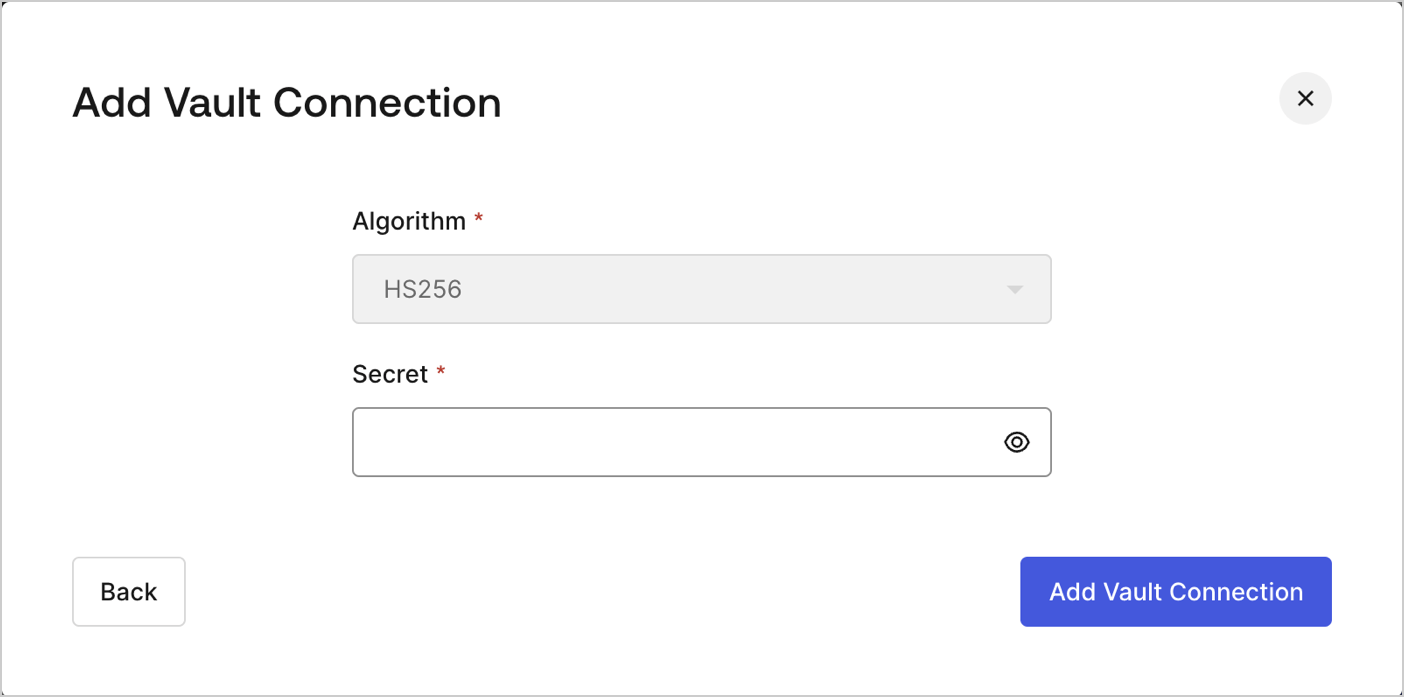
To configure an JWT Vault Connection for your Flows JWT Actions to sign, decode, and verify JSON Web Tokens, you need to set the required parameters.
<Frame>
  <img src="https://mintcdn.com/docs-dev-feat-eup-870/_autiBEgdWmBXq-a/docs/images/customize/forms/vaults/jwt-vault-connection.png?fit=max&auto=format&n=_autiBEgdWmBXq-a&q=85&s=4916fe80025483657ea38d80a95bddd9" alt="Dashboard > Actions > Forms > Vault > JWT" data-og-width="1404" width="1404" data-og-height="697" height="697" data-path="docs/images/customize/forms/vaults/jwt-vault-connection.png" data-optimize="true" data-opv="3" srcset="https://mintcdn.com/docs-dev-feat-eup-870/_autiBEgdWmBXq-a/docs/images/customize/forms/vaults/jwt-vault-connection.png?w=280&fit=max&auto=format&n=_autiBEgdWmBXq-a&q=85&s=0ae4ce0c21c6071f107f564e811acbf4 280w, https://mintcdn.com/docs-dev-feat-eup-870/_autiBEgdWmBXq-a/docs/images/customize/forms/vaults/jwt-vault-connection.png?w=560&fit=max&auto=format&n=_autiBEgdWmBXq-a&q=85&s=908b1c69837e97011540e37e22eee7b4 560w, https://mintcdn.com/docs-dev-feat-eup-870/_autiBEgdWmBXq-a/docs/images/customize/forms/vaults/jwt-vault-connection.png?w=840&fit=max&auto=format&n=_autiBEgdWmBXq-a&q=85&s=72b211ce803a2229292abb170fdff963 840w, https://mintcdn.com/docs-dev-feat-eup-870/_autiBEgdWmBXq-a/docs/images/customize/forms/vaults/jwt-vault-connection.png?w=1100&fit=max&auto=format&n=_autiBEgdWmBXq-a&q=85&s=907f5d99303c73b6a9e8869138e27192 1100w, https://mintcdn.com/docs-dev-feat-eup-870/_autiBEgdWmBXq-a/docs/images/customize/forms/vaults/jwt-vault-connection.png?w=1650&fit=max&auto=format&n=_autiBEgdWmBXq-a&q=85&s=b3727a402576d386661f93a5a6e214e1 1650w, https://mintcdn.com/docs-dev-feat-eup-870/_autiBEgdWmBXq-a/docs/images/customize/forms/vaults/jwt-vault-connection.png?w=2500&fit=max&auto=format&n=_autiBEgdWmBXq-a&q=85&s=215581fb826213fdc90f197ac1e6b0d3 2500w" />
</Frame>

## Input settings

| Parameter | Description                                                 |
| --------- | ----------------------------------------------------------- |
| Secret    | Secret to be used in the HS256 algorithm to encode the JWT. |
